Community Stories
Labeled examples of entity-focused, redacted, hashtag-organized stories. Private drafts are not published.
This website provides general legal information, education, organization tools, and self-help assistance. It does not provide professional legal advice.
Urgent matters: Court and filing deadlines can be very short. Contact a lawyer, legal-aid organization, court self-help center, or the appropriate agency promptly. Call 911 for immediate danger.
Use official sources to verify every form version, filing fee, service requirement, local rule, factual statement, citation, and deadline before acting.
⚠️ Download or copy your document now — nothing here is saved.
Generated drafts exist only in this browser tab's memory. They are never written to disk, sent to a server, or stored in any way — refreshing the page, closing the tab, switching tabs away and back after a while, or the session timer ending will erase them permanently with no way to recover them. Use the Copy or Download buttons below before you do anything else with this draft.
This is not professional legal advice
Case Workspace gives writing, organization, and research support only. It does not replace a licensed attorney, legal-aid provider, or court self-help center.
If you are in danger, call 911. For urgent court or filing issues, contact a lawyer, legal aid, or your local court self-help center promptly.
For privacy on a public or shared device, this session will reset after inactivity.
Default timeout: 30 minutes inactive. Warning: 2 minutes. Maximum session: 4 hours. These values can be changed in the source configuration.
Your draft is ready. Save a copy to your device before you do anything else.
This draft exists only in this browser tab's memory. It is never written to disk, sent to a server, or stored anywhere else. If the session ends — timeout, tab close, refresh, or a full session flush — the draft will be erased permanently and cannot be recovered.
You can also use the Copy, PDF, Word, and TXT buttons below the preview. Download at least one copy before leaving Case Workspace or closing this tab.
Not legal advice • Always consult an attorney
Copy or download drafts — nothing is saved in this browser tab.
This legal aide website is brought to you by Urban Jellyfish LLC and powered by the Urban Jellyfish Engine. It was created to help people better understand legal processes, organize information, locate useful resources, and move through confusing systems with clearer next steps.
California residents and families navigating courts, agencies, jails, housing, family law, civil rights, and related systems — especially when you need plain-language orientation, county contacts, and tools to organize your next steps without hiring a lawyer first.
This site is built for public-session use: private case work should not survive after you end the session. Below is a plain-language summary of what stays in your browser and what may leave it.
End Session or inactivity timeout triggers a flush. These browser-held items are removed:
cln-forum-posts).civic-db), composer drafts (civic-composer-draft); legacy story key migrated on load.| What | Stored? | Contains PII? |
|---|---|---|
| Website analytics | Processed and retained by Google Analytics | May include cookie identifiers and visit/device information |
| Legal resource library | Yes — public reference data | No — forms, agencies, statutes |
| Chat or workspace content | No | — |
Google Analytics receives information about website visits and interactions. Analytics cookies and records are separate from the app's temporary case-work session.
Building, hosting, researching, updating, and maintaining these resources costs money. Donations help keep the project online, useful, and available to people regardless of whether they can contribute.
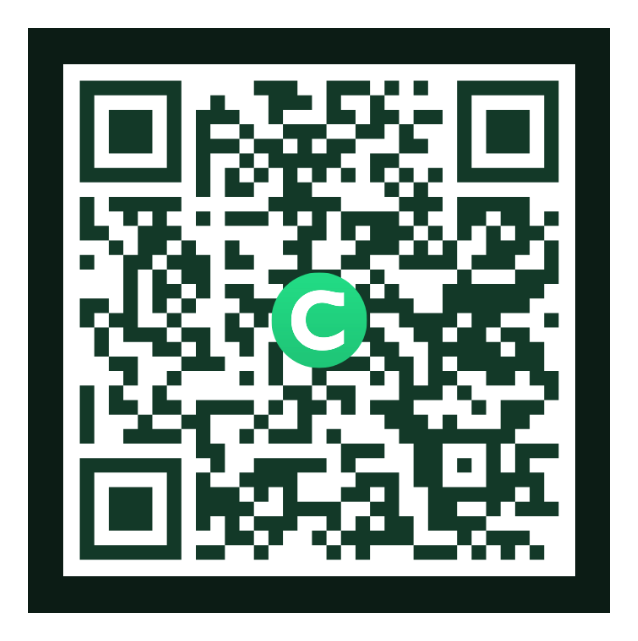
Scan the QR code with your phone, open the Chime payment link, or copy the $ChimeSign.
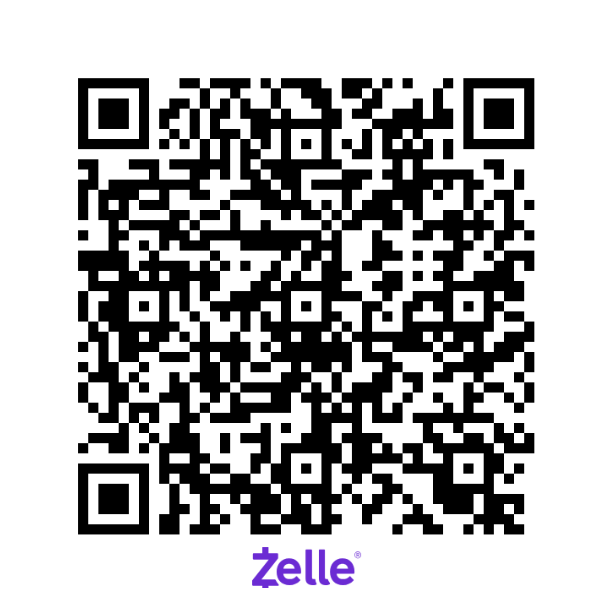
Scan the QR code, open the Zelle payment page, or copy the phone number.

Stripe is currently available for testing only.
Voluntary support for keeping Legal Resource Navigator online, maintained, researched, and growing as a free public resource.
It is not payment for legal representation, individualized advice, priority help, exclusive access, or ownership.
Everyone. The project is intended to remain useful to people whether they donate, cannot donate, or simply need information.
No. Donations help keep the project running, but the public resource is intended to remain available to everyone.
No. A donation does not purchase priority, exclusivity, ownership, special access, or a different level of service.
No. A donation supports operating costs. It is not payment for legal representation and does not create an attorney-client relationship.
Stripe is connected to a test checkout and cannot accept real donations yet. Please choose Chime or Zelle to contribute.
Forum ≠ Hall of Shame. The Forum is for anonymous discussion and community notes. Hall of Shame is for formal entity accountability reports (facilities, agencies, courts) with structured hashtags.
No logins. Anonymous aliases only. No uploads. Public case numbers, attorney details, law firm information, and official contacts are allowed only when clearly marked with red-tape hashtags.
Civic Data Engine
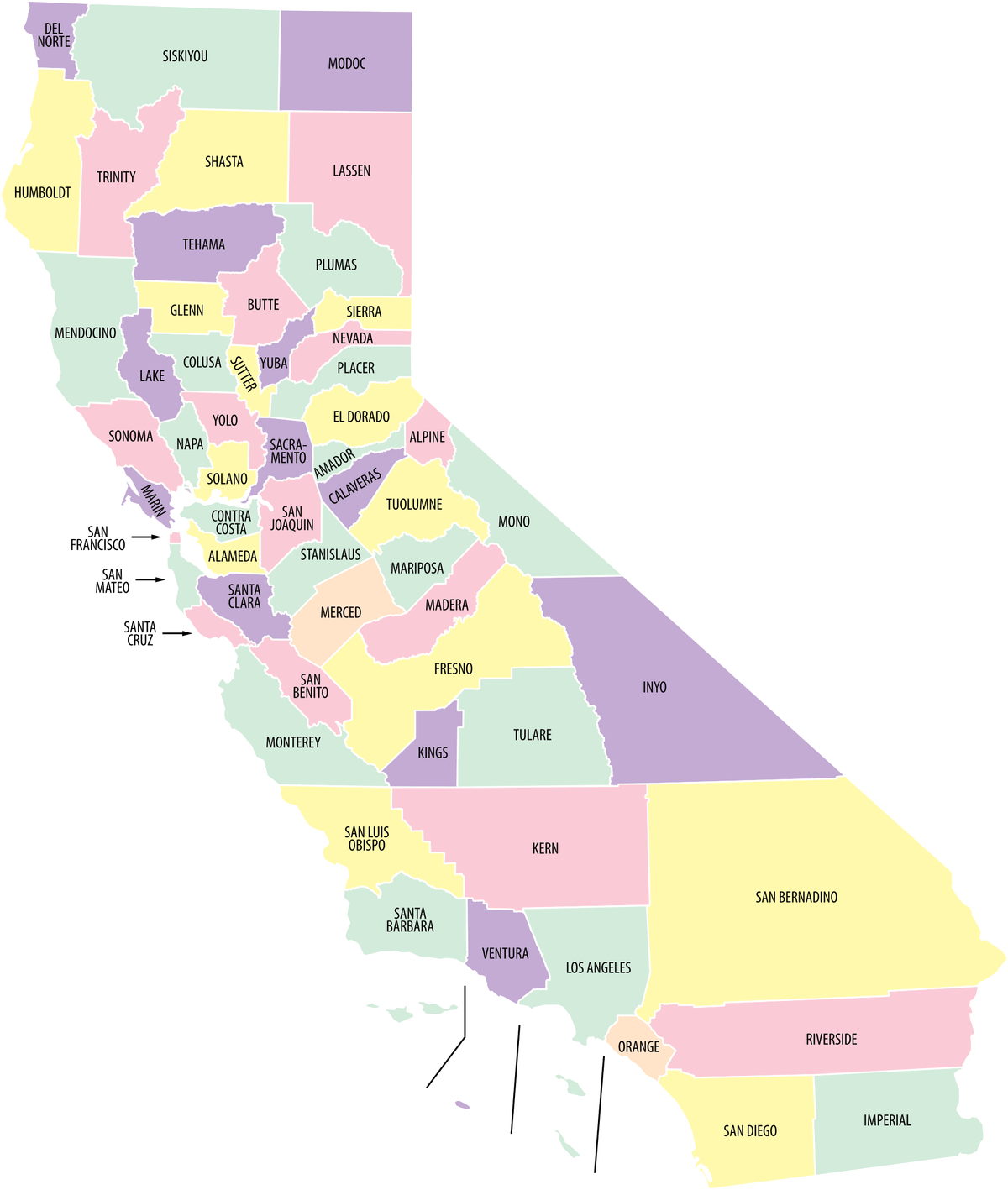
County accountability workbooks — select a county to browse its litigation matrix. View-only; not legal advice.
County accountability
Browse litigation matrices and oversight research by county — spreadsheet-style workbooks, view-only; not legal advice.
This system collects information about what is being reported — counties, jails, courts, agencies, and public officials — not about the person reporting. User information, court case numbers, and personal case details are never stored. Draft entity reports remain temporary for this session unless deliberately published as an anonymous forum post.
Labeled examples of entity-focused, redacted, hashtag-organized stories. Private drafts are not published.
Use the composer for new reports, or export engine data below.
Full internal dataset — counties, facilities, officials (roles), raw descriptions, hashtags. For statistical analysis.
Hall of Shame safe export — no official names, no user info, no case numbers.
Aggregated counts by hashtag, county, entity type, and issue category.
Aggregated entity-level data for informational and statistical purposes. No user data included.
AI assist uses the website's secure, server-configured Gemini 2.5 Flash connection. Visitors never enter or manage an API key.
Entity-level reports awaiting or past review. Moderator view — not shown on the public Hall of Shame feed.